
2026-06-16
I Built a Localhost Dashboard That Replaces 8 SaaS Tabs (And Why I Had to Ditch AWS SES)
product · building
As a solo founder running multiple products, I've been drowning in browser tabs.
Xcode, GitHub, Cloudflare, Stripe, Google Analytics, customer emails. Every morning starts the same way: open tab, check status, close tab, open next tab. It sounds trivial until you realize you're maintaining five separate products and the cognitive overhead of context-switching across eight different dashboards is quietly killing your focus and your mornings.
So I started Operation Dashboard: a single localhost interface that handles everything without me ever leaving it.
The Goal
One page. Everything operational.
- Xcode build status
- GitHub releases
- Cursor / website release note updates
- Email management (billing@, support@, hello@, and beyond)
- Cloudflare deployments
- Google Analytics snapshot
- Stripe revenue and subscription data
- Customer management
Most of this is now working. Email, Stripe, and GA are the remaining pieces. But the email story in particular turned into its own adventure worth writing about.
Why Email Was the Hard Part
Every product needs transactional and operational email addresses. billing@, support@, noreply@, hello@. That's four per product, times five products — you do the math.
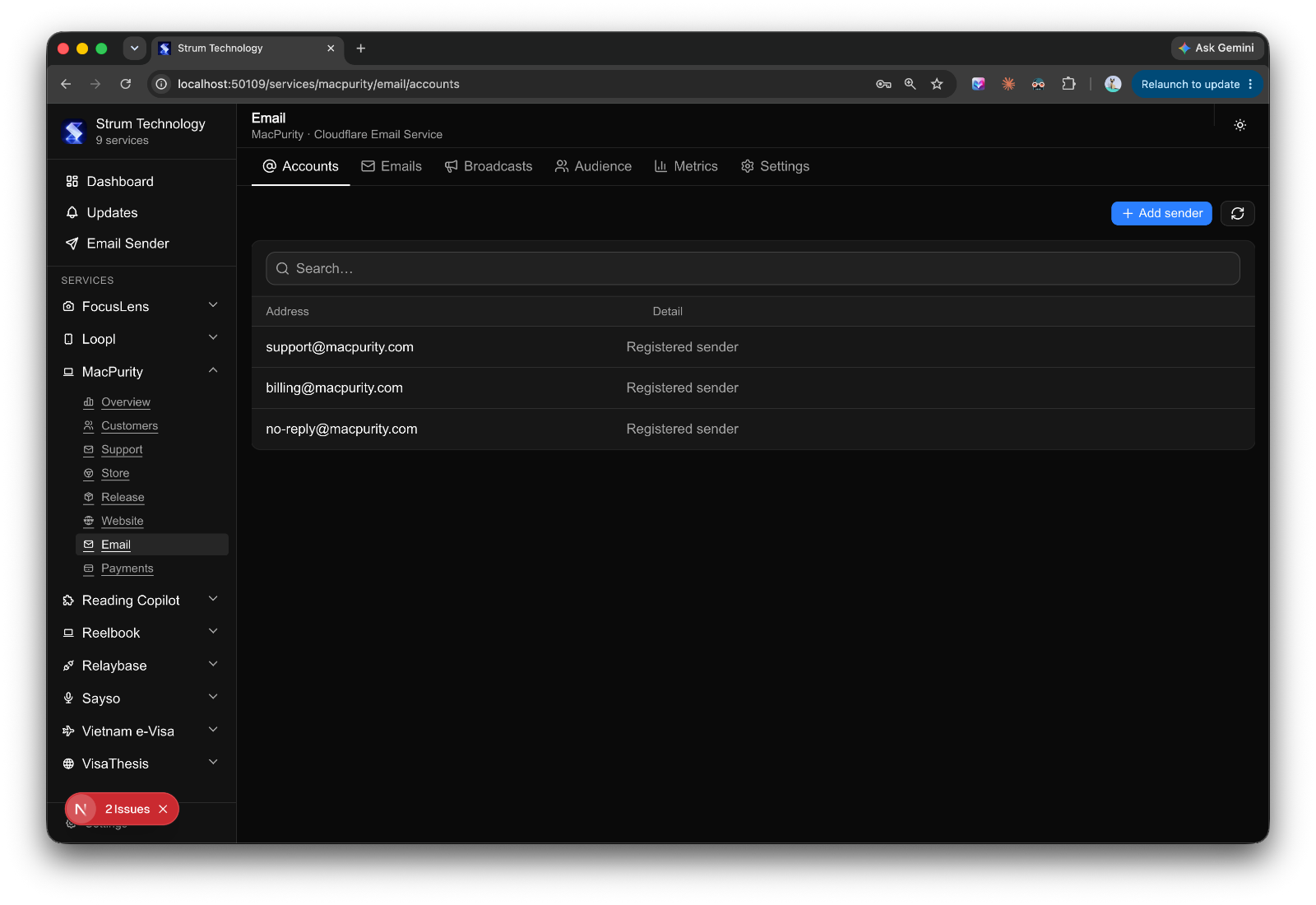
The obvious solution is Google Workspace. But at $7 per seat, adding 10 or 20 email accounts across your products costs $70-140/month just to have addresses. That's before you ship a single line of code. For a solo dev, this isn't sustainable. It's a tax on ambition.
So I went hunting for alternatives, and landed on AWS SES.
The AWS SES Rejection (And Why It Stings)
I spent time building the full SES integration, wiring up the sending service, configuring DKIM and SPF records, and testing delivery. Everything worked in sandbox mode. Then I submitted the production access request and waited.
A few days later: rejected.
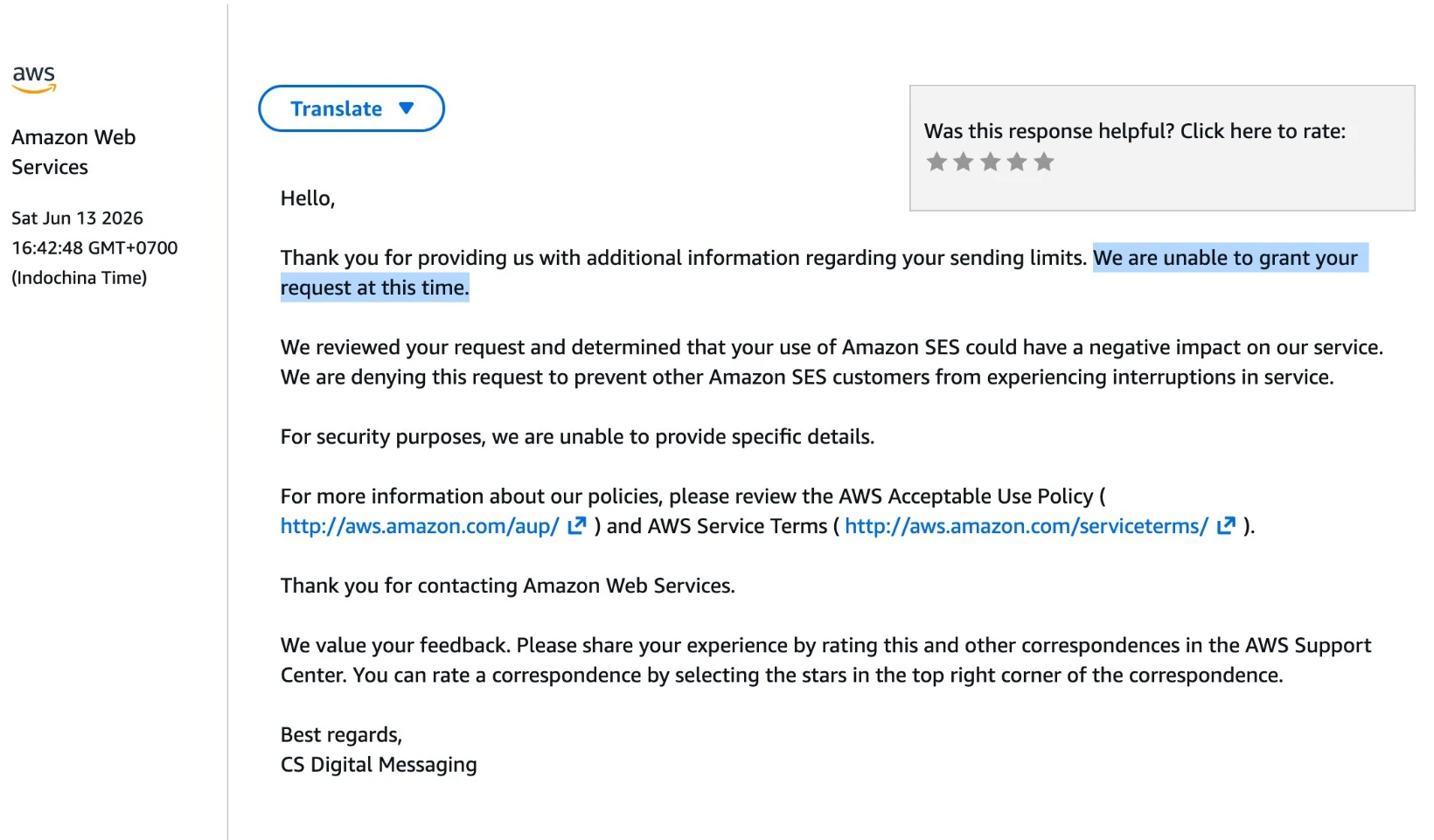
No clear reason given — AWS doesn't officially explain rejections. But after digging into forums and developer communities, the pattern emerged: accounts created via Gmail are more likely to get flagged. The suspicion is that you're applying for SES purely to send email (which, yes, is exactly what SES is for), but without a "real" AWS infrastructure footprint behind it, production access gets denied.
I submitted a more detailed follow-up with specifics about my use case. Same result.
This is genuinely frustrating. The approval process takes days. The rejection criteria are opaque. And the irony is that SES's entire value proposition is sending email at scale for legitimate businesses. A solo developer trying to replace Google Workspace for five small products is about as benign a use case as you'll find.
So I moved on.
Cloudflare Email: $5/Month and It Just Works
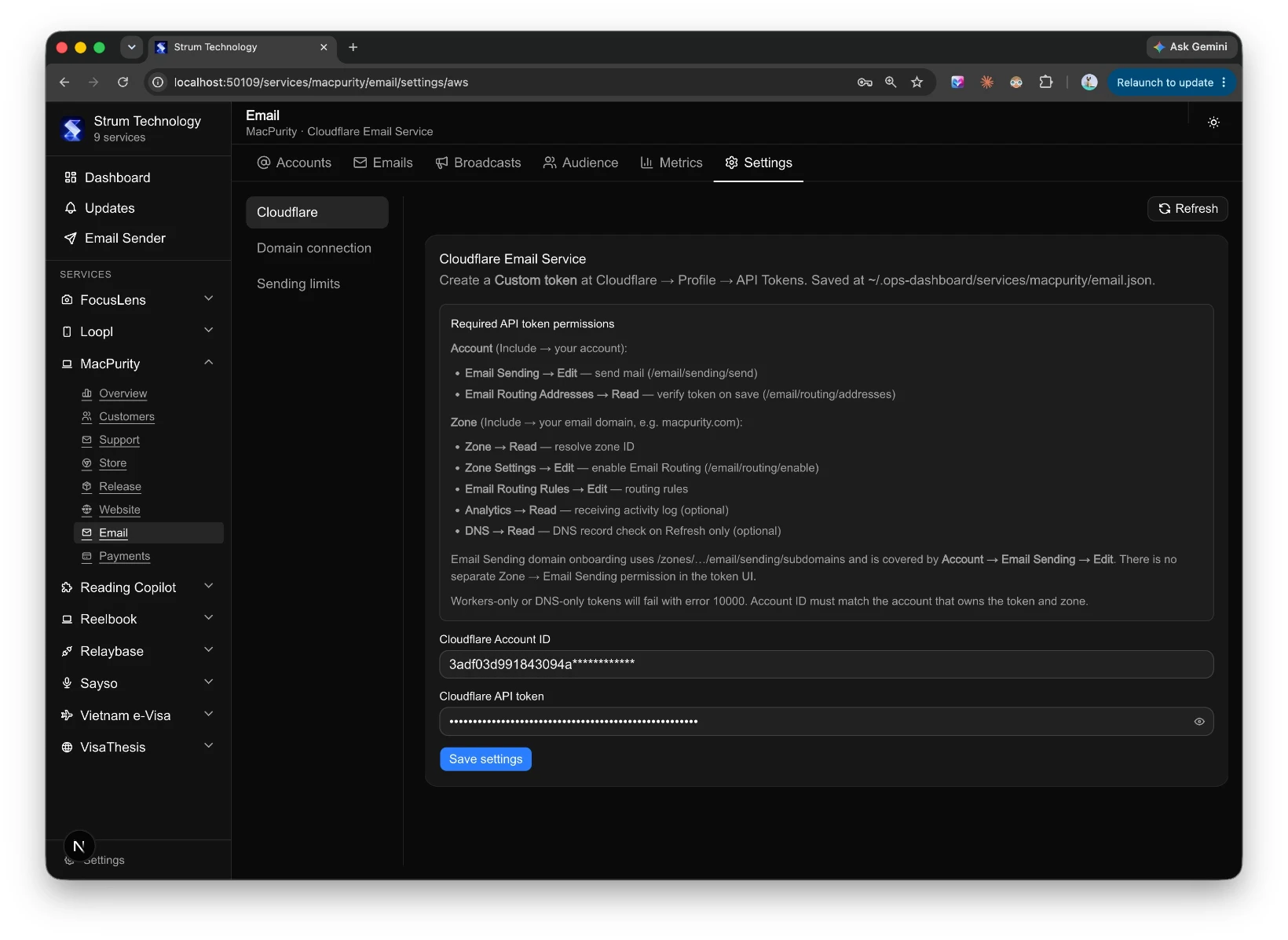
I was already running most of my Hono backend services on Cloudflare Workers. The free tier is genuinely powerful for CDN and lightweight API work, and I'd been defaulting to it for most of my serverless infrastructure.
What I hadn't noticed: Cloudflare launched email sending about two months ago. It's part of the Workers Paid plan at $5/month.
I dropped the AWS SES code, rewrote the sending service using Cloudflare's email API with Hono as the backend, and deployed it. The whole migration took a fraction of the time I'd spent waiting on AWS.
What you get for $5/month:
- 3,000 outbound emails included
- Unlimited email addresses on your own domains
- Zero per-seat pricing. Ever.
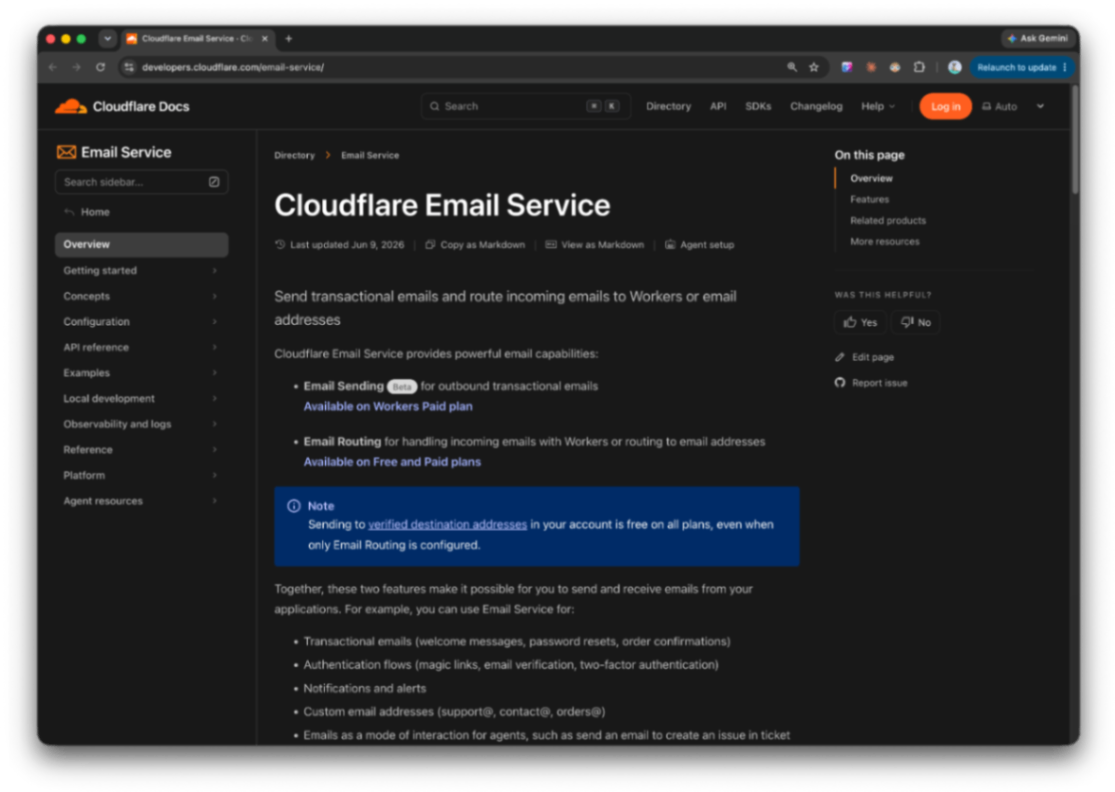 https://developers.cloudflare.com/email-service
That last point is the one that matters. Whether I create 2 email addresses or 20 across all my products, the cost doesn't change. Compare that to Google Workspace at $7/seat: 10 accounts = $70/month, 20 accounts = $140/month. Every new product you launch, every new address you need, the meter runs.
For a solo developer managing multiple products, Cloudflare's model is simply better math.
What the Dashboard Actually Looks Like
The architecture is straightforward: a localhost server that pulls from each service's CLI or API, surfaces only what I need to see, and lets me take action without opening a separate tab.
GitHub releases and Cloudflare deployments were the easiest — both have clean APIs. Xcode build integration required a bit more work with xcodebuild output parsing, but it's running. The email service now routes through the Cloudflare Hono worker.
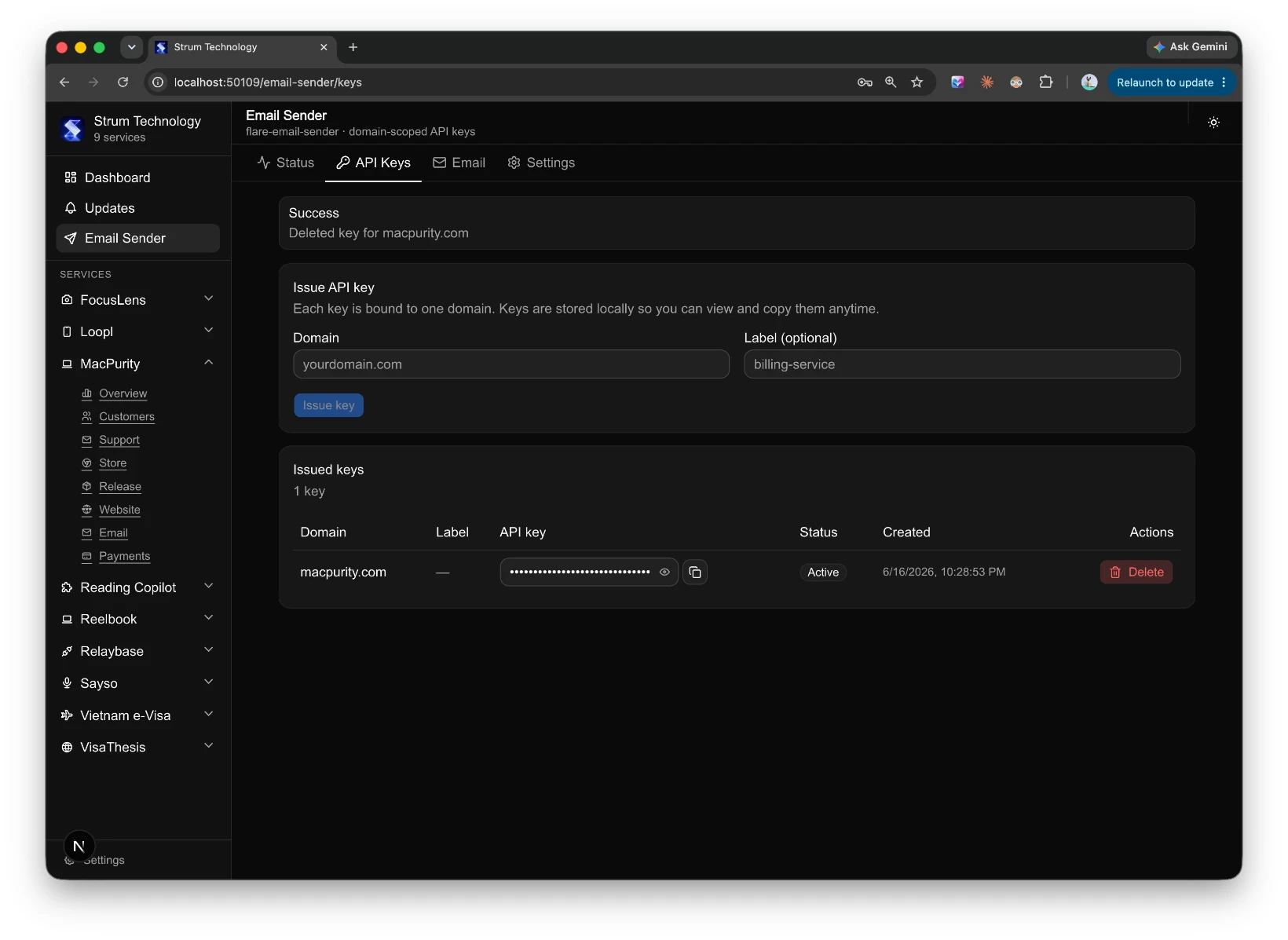
What's left: wiring in Stripe webhooks for a live revenue view, pulling GA event data into a single metrics panel, and cleaning up the customer management view.
Why This Matters for Solo Developers
The point isn't the technology. You can build this with any combination of tools.
The point is that fragmented tooling has a real cost. Every time you context-switch between dashboards, you lose a few seconds of focus. Multiply that by eight tools, five products, and every working day of the year. More importantly, important things get missed. A failed deploy, a Stripe dispute, a support email that waited three days because you forgot to check that tab.
Consolidating operations into a single interface isn't just about convenience. It's about building a system that surfaces what needs attention, when it needs attention, without relying on you to remember to go look.
I'll post a proper technical breakdown once the final pieces are in. But the AWS detour was worth documenting, if only to save someone else a few days of waiting.
Running multiple products solo out of Southeast Asia. Writing about what actually works.