
2026-05-29
MacPurity: Why I Keep Running It (A Use Case Story)*
building · tools · product
A few days ago I ran MacPurity and reclaimed 80GB. Eighty gigabytes. I thought I was set for months.
I was wrong.
I'm currently building Sayso, an iPhone app. That means Flutter. That means Xcode. That means CocoaPods, Dart packages, iOS simulators, build artifacts, derived data, and about a hundred other things that quietly unpack themselves onto your disk and never ask permission to stay.
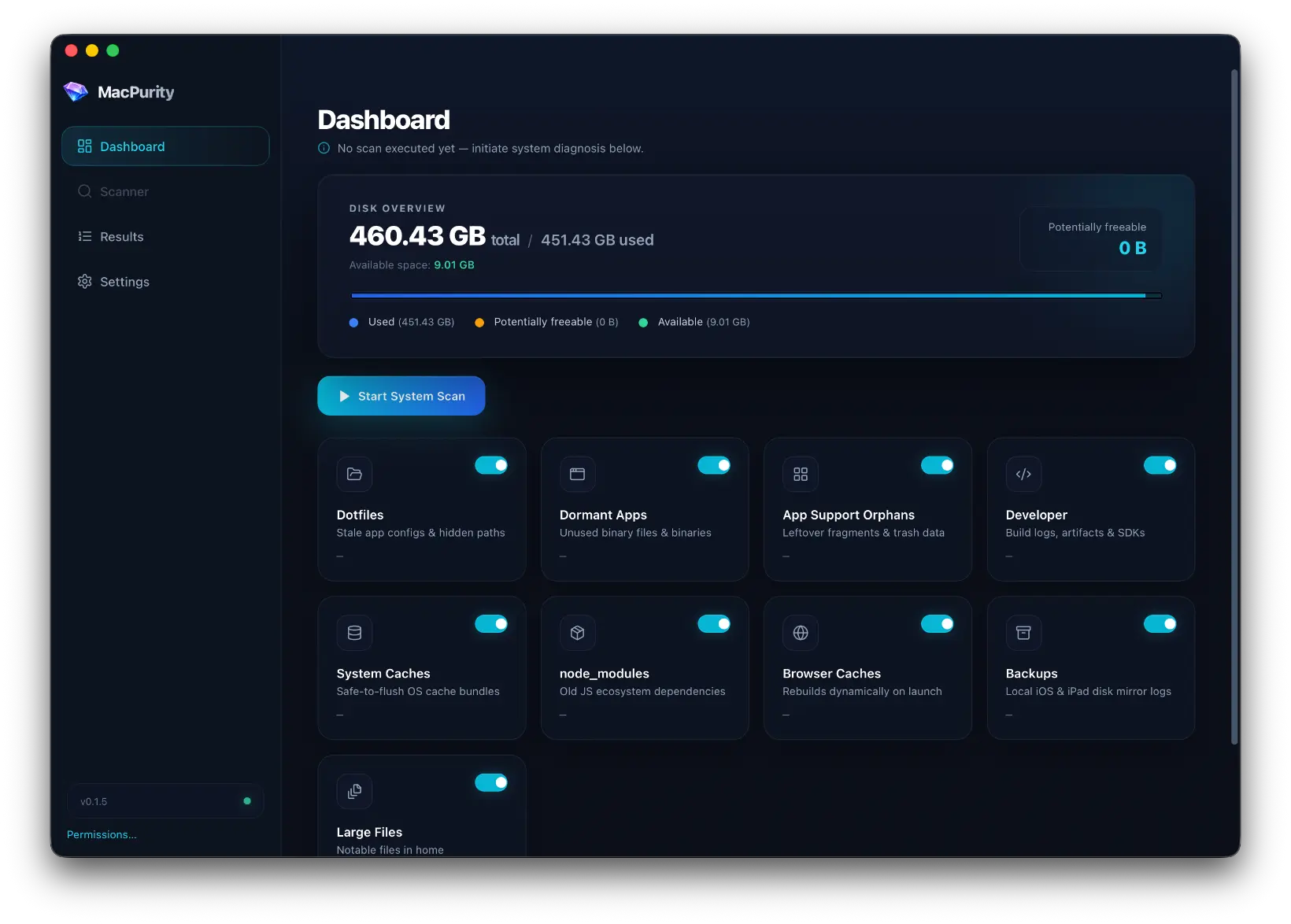
So here I am again. New error. No more space.
The first time it happened, I built MacPurity to solve it. The second time, I just ran it.
What Dev Tooling Actually Does to Your Disk
iOS development is a special kind of disk hog. Xcode alone keeps a graveyard of things you didn't know existed:
- Derived Data — build artifacts that accumulate every time you compile, per scheme, per simulator, per architecture
- Device support files — gigabytes of symbol data downloaded for every iOS version you've ever plugged in
- Simulator runtimes — full OS images, one per iOS version, sitting there even for versions you'll never test on again
- Archives — every IPA you've ever built, every app submission, sitting in
~/Library/Developer/Xcode/Archives - Flutter/Dart cache — packages, pub cache, build outputs that don't clean themselves
None of this is visible in Finder. None of it triggers a warning. It just... grows.
What I Did
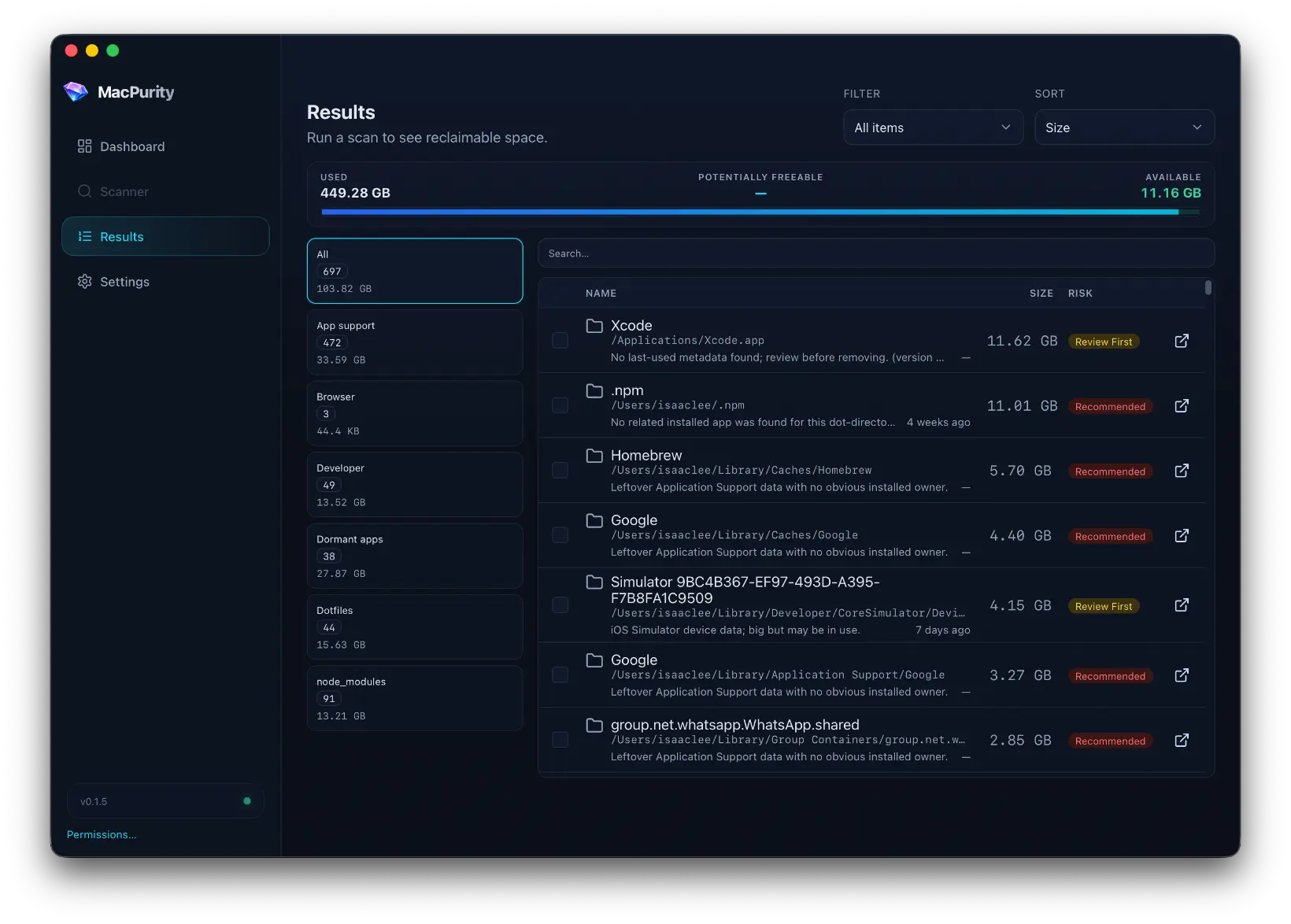
I opened MacPurity, ran a scan, and let it show me where the disk went.
That's it. That's the use case.
Not a black-box "clean now" button. Just a clear breakdown of what's actually on my machine — inspectable, categorized, honest — so I can decide what to nuke.
I freed up enough to get back to building. Sayso didn't care about any of this. The app still needed to compile.
The Pattern I Keep Noticing
Every time I start a new product, the disk situation gets worse. New stack, new toolchain, new cache directories that don't overlap with the last project's cache directories. It compounds.
MacPurity started as a one-night fix for 9GB of free space. Turns out the real use case isn't one-time recovery — it's ongoing maintenance for anyone who builds things for a living.
If you're shipping code, your disk is probably lying to you about how much room it has.