2026-07-03
ProductRail - Overwatch dashboard for multiple product buildersI've built a lot of products over the years — apps, SaaS tools, AI experiments, side projects that turned into real things and side projects that stayed side projects. For a long time, that was fine. I could hold the whole picture in my head. Which domain pointed where, which repo needed a deploy, which app was waiting on App Store review.
Then I crossed somewhere around ten active products, and the picture stopped fitting in my head.
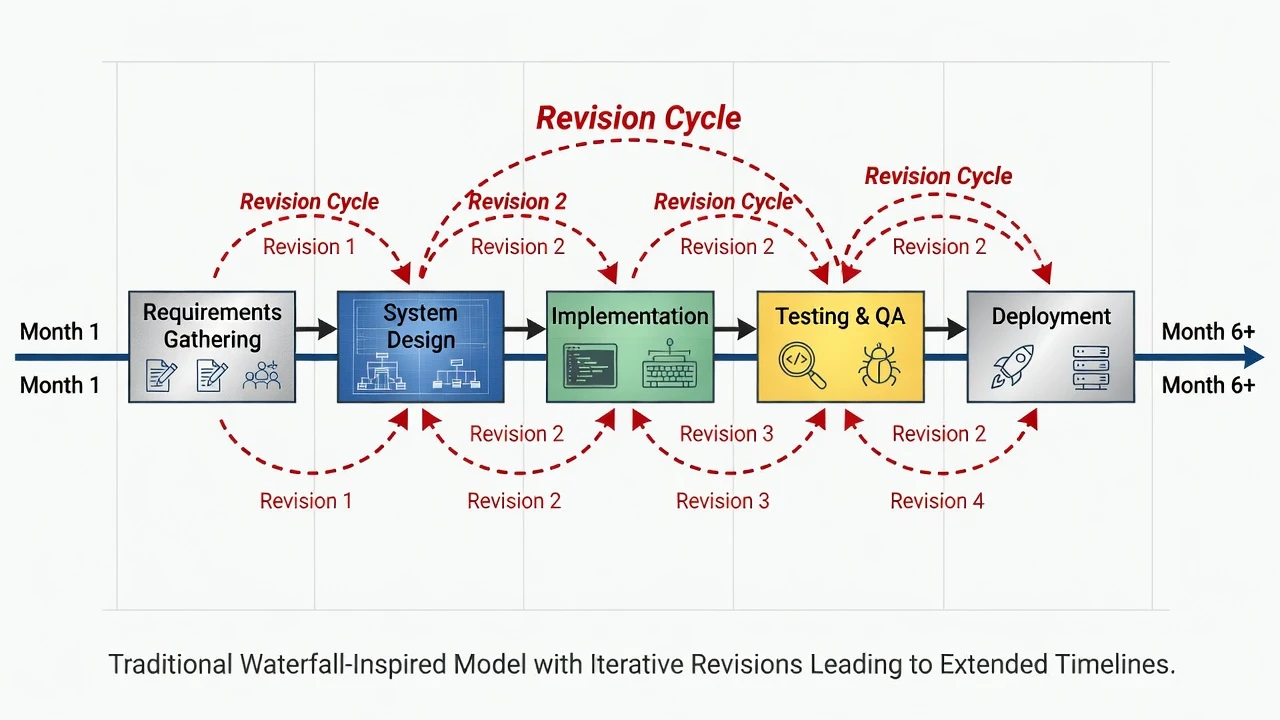
The problem with juggling too many products
Here's what nobody tells you about running multiple products as a solo founder or small team: the hard part isn't building them. It's the operational sprawl that comes after.
Each product needs:
- A domain, properly configured and renewed
- A build and deployment pipeline
- Visibility into backend health and uptime
- Analytics you actually check
- A marketing site that doesn't rot
- Some kind of CMS for content
- Git and PR management
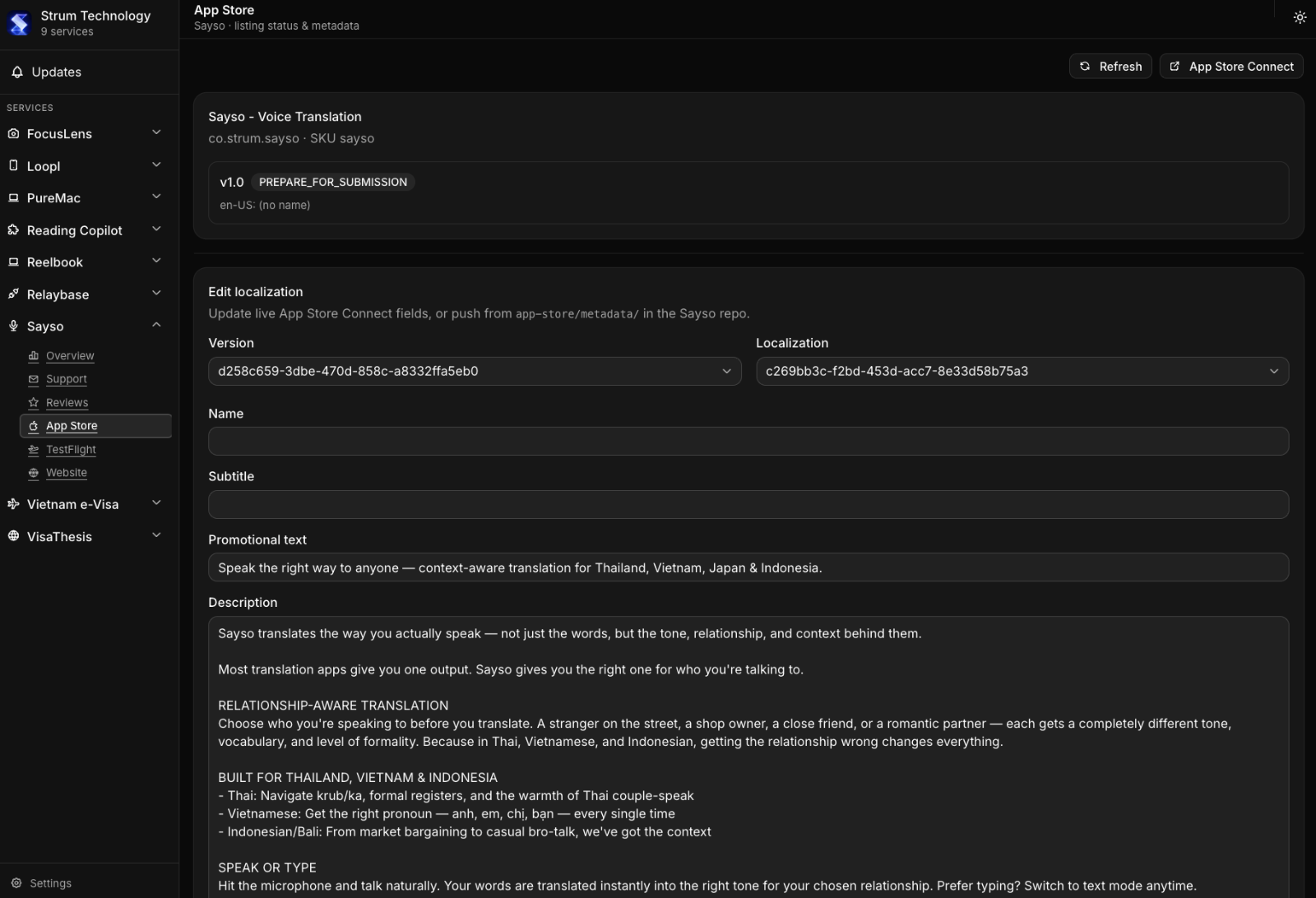
- App Store and Play Store listings, screenshots, review status
- Ad accounts — Google Ads, sometimes Meta
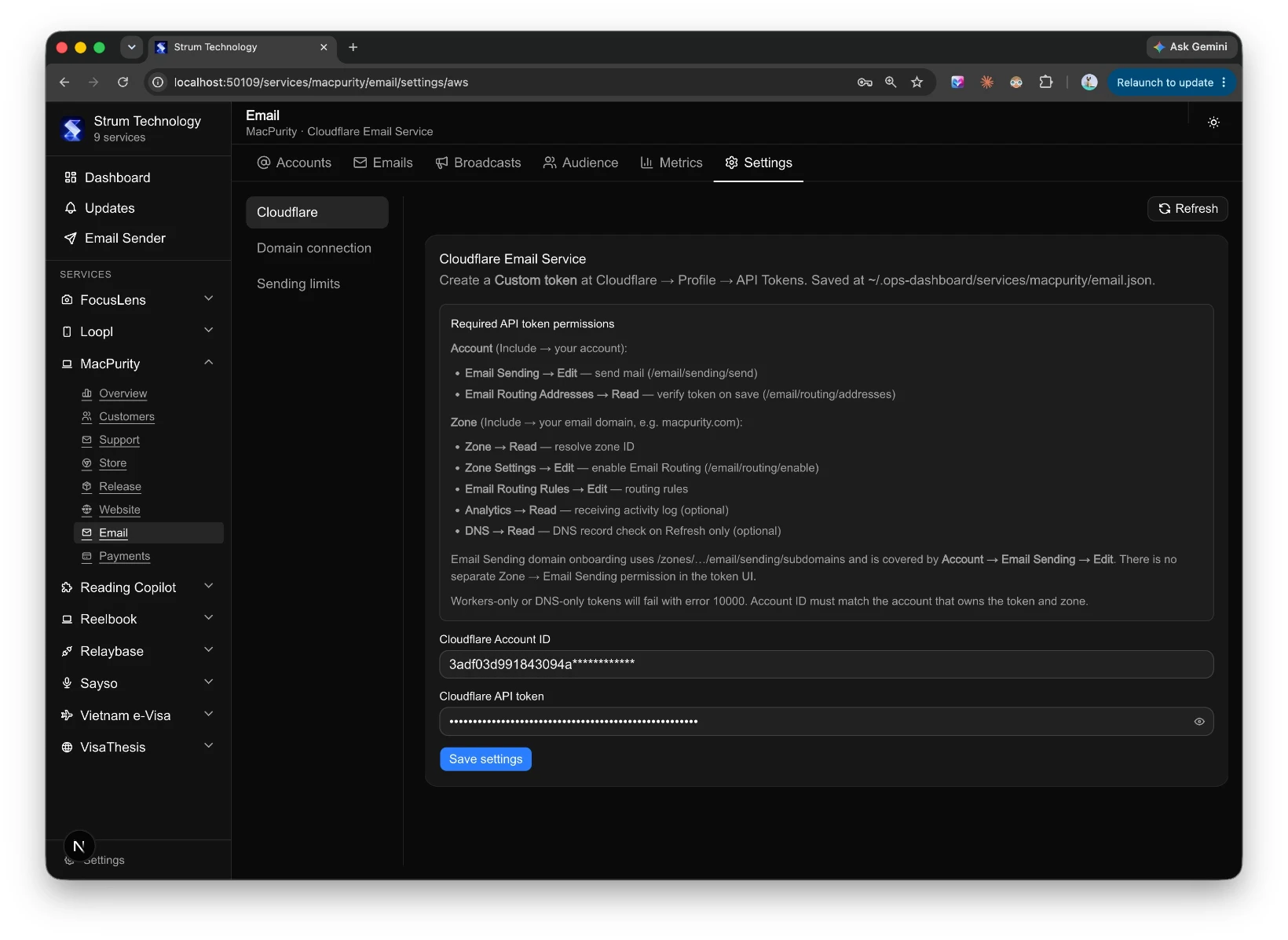
- Transactional and marketing email
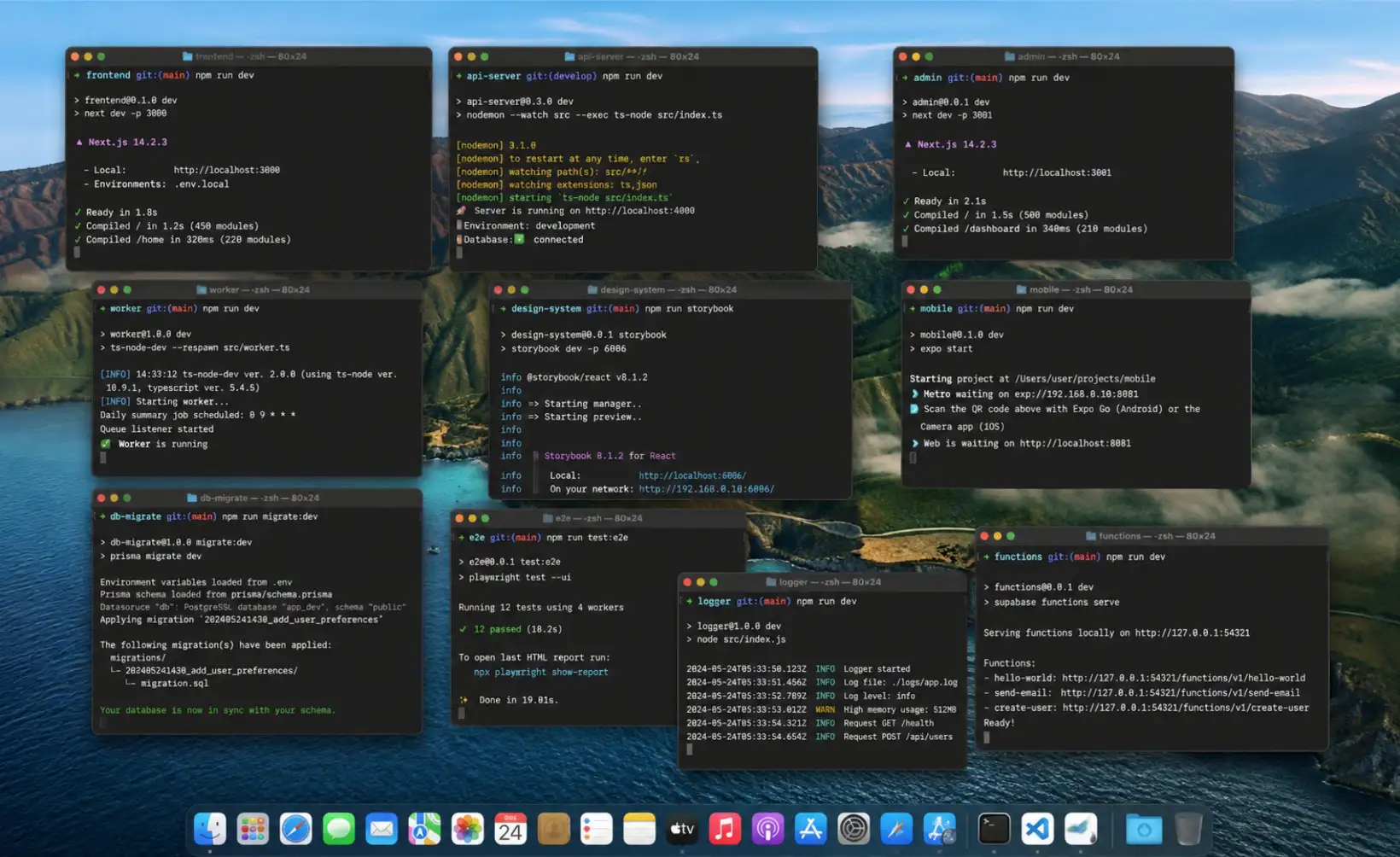
Multiply that by ten-plus products, and you're not building anymore. You're context-switching between a dozen dashboards, half of which you log into once a month and forget the password for. I found myself opening browser tabs just to remember what state each product was in. That's not a workflow — that's cognitive debt.
The actual failure mode isn't "I don't know how to do X." It's "I forgot X even needed attention." Things quietly break: a domain expiring, an ad campaign burning budget with no one watching, a support email sitting unread for a week. None of these are hard problems individually. They're expensive because of how many times you have to context-switch to catch them.
Wanting one dashboard to rule them all
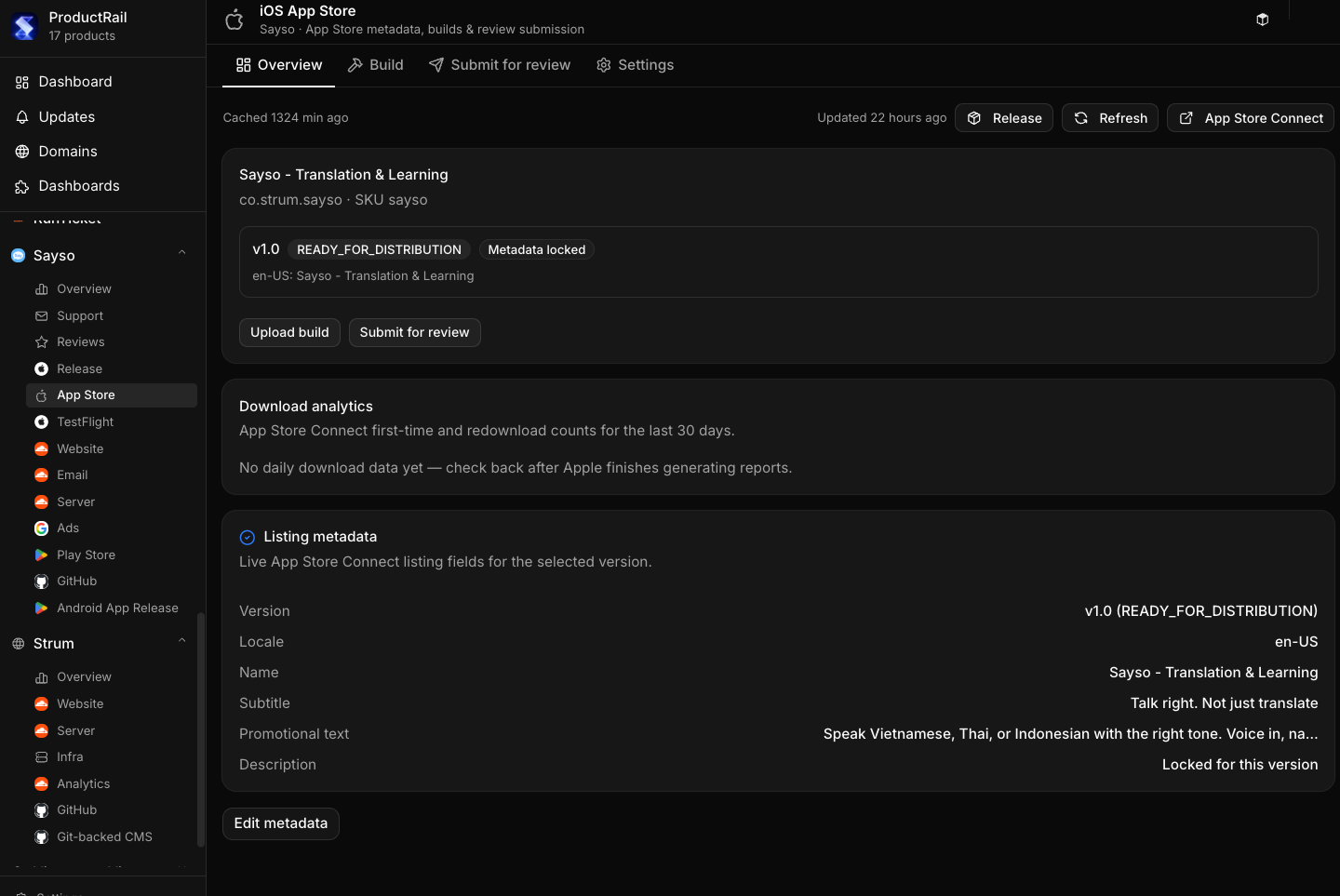
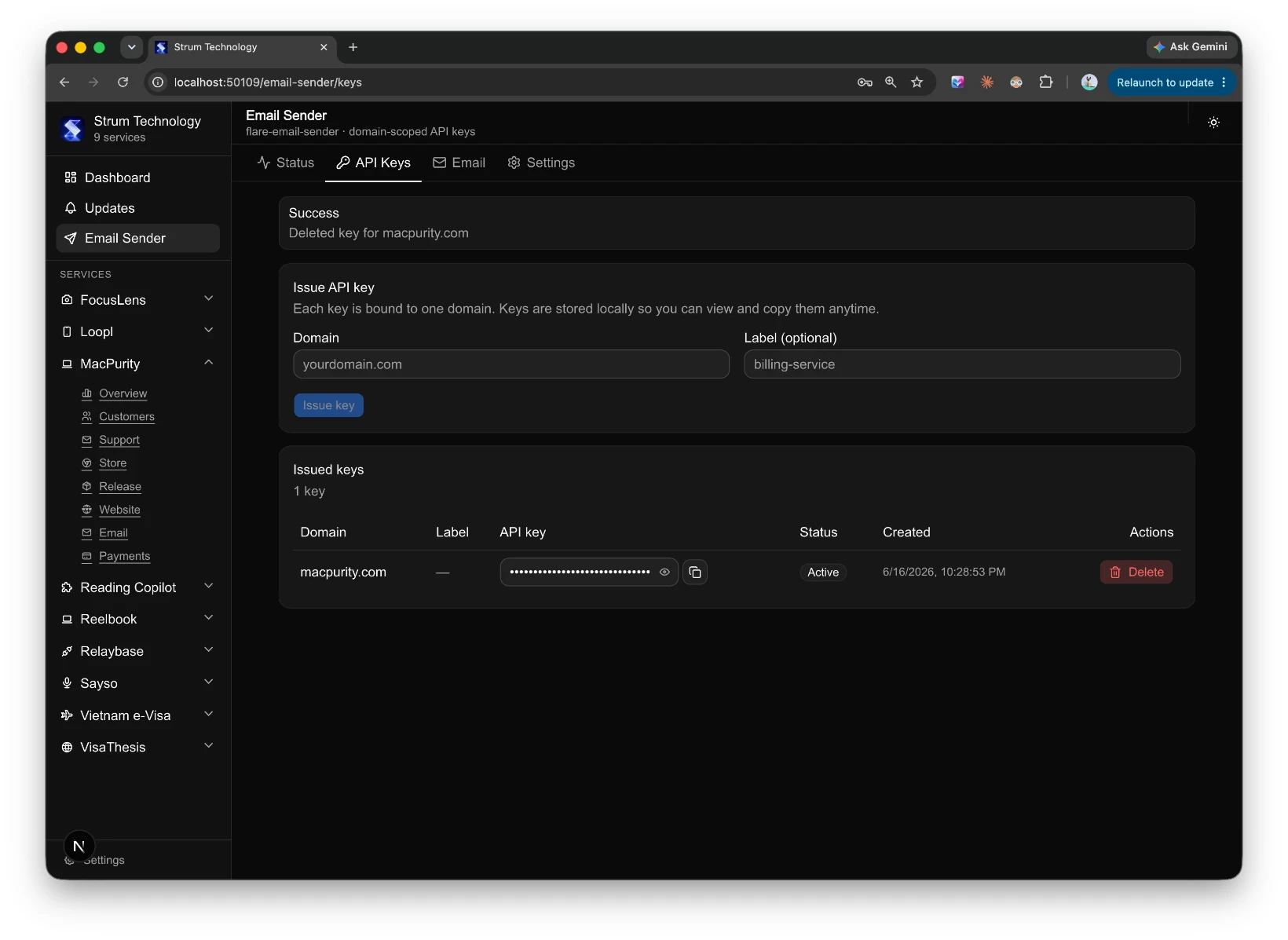
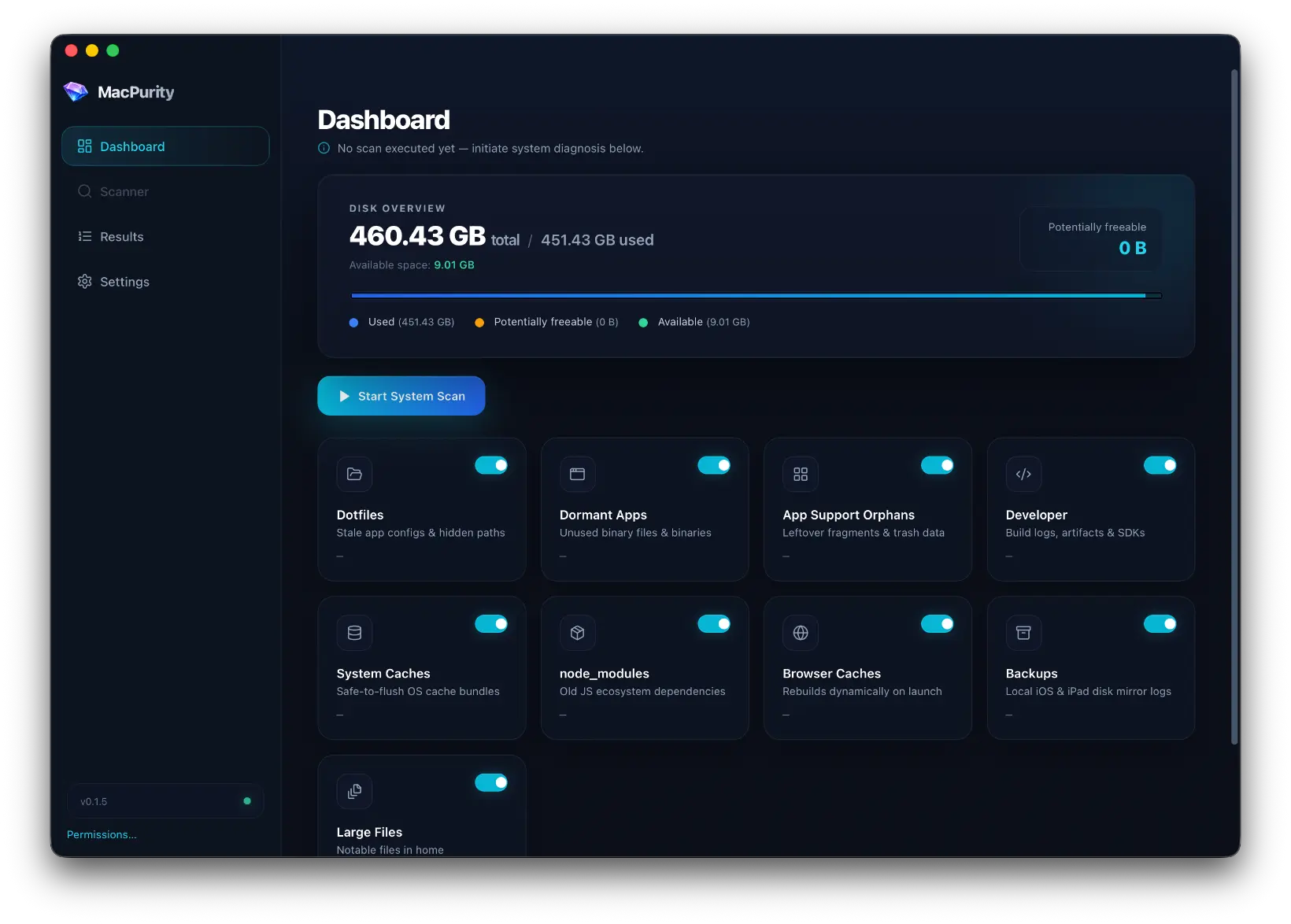
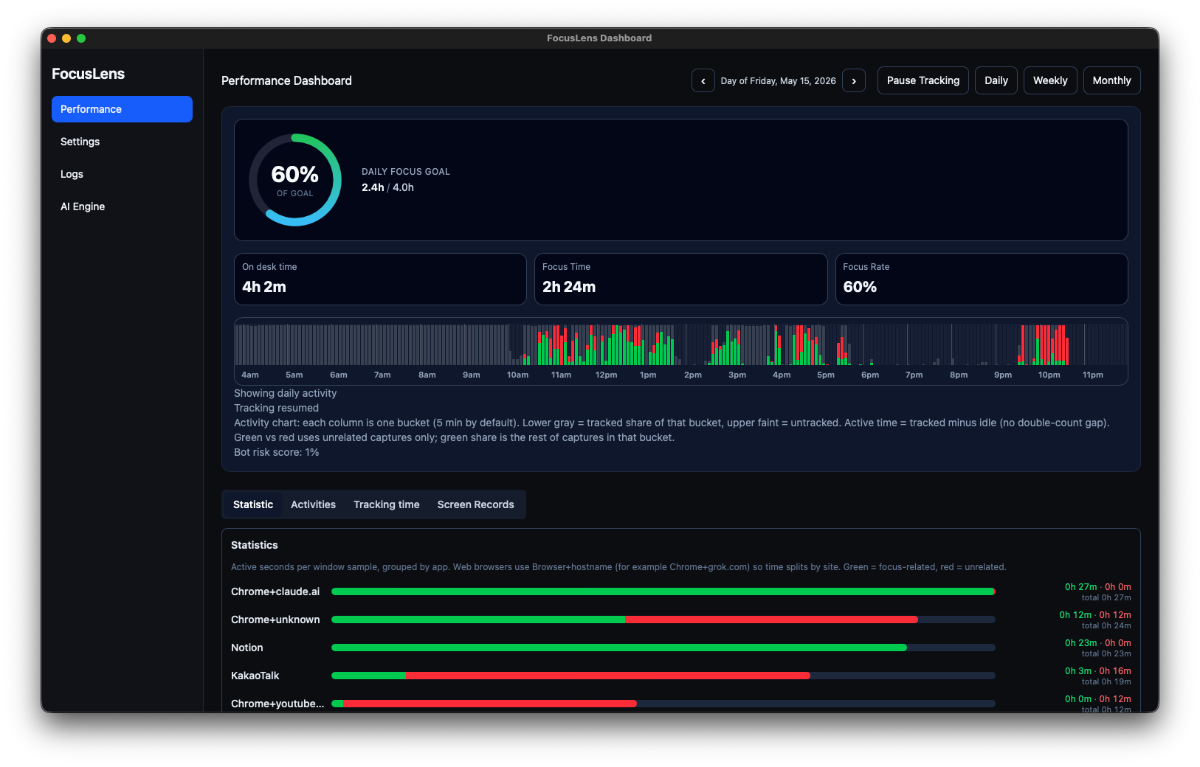
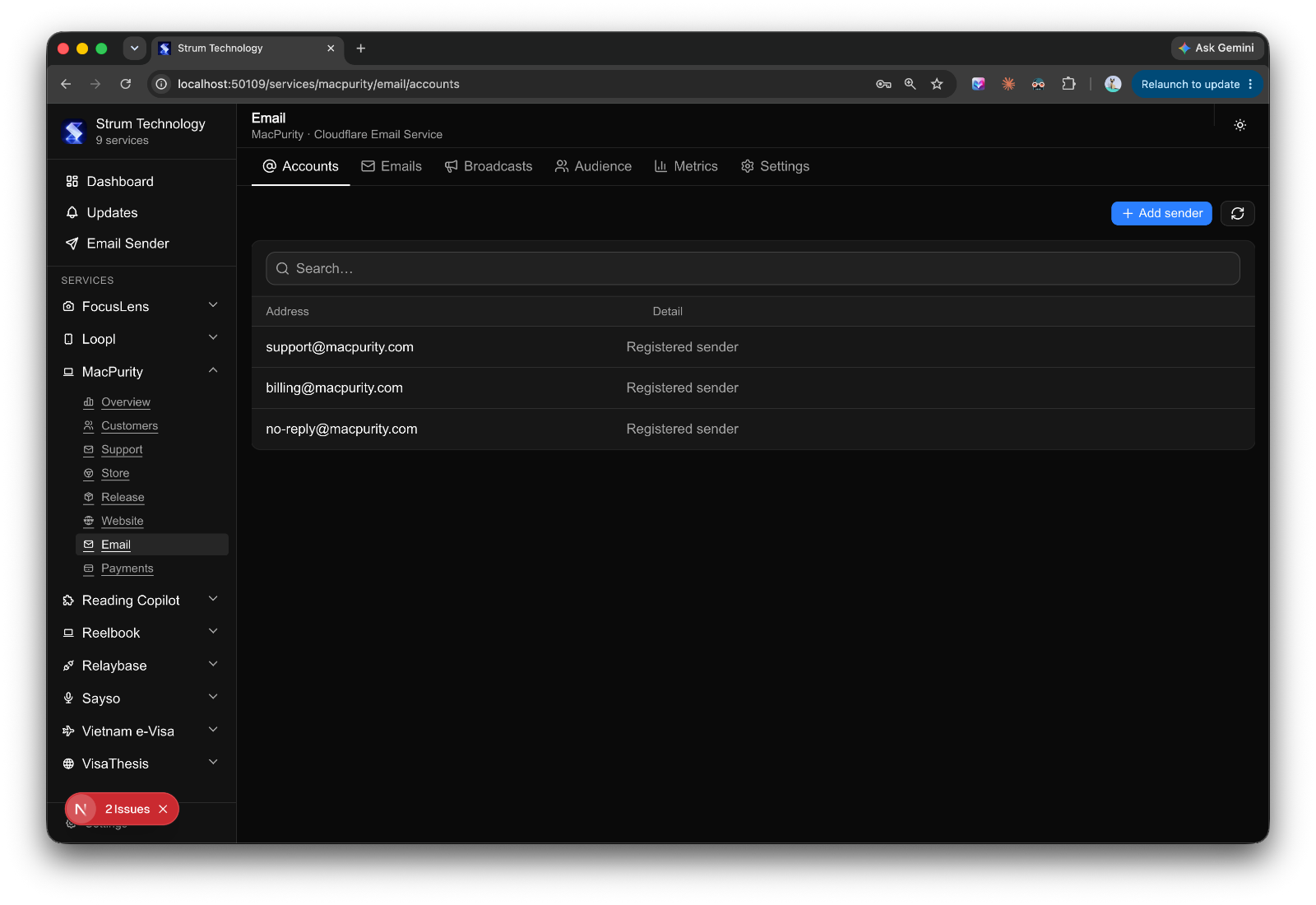
What I actually wanted was simple to describe and annoyingly hard to build: one place to see and manage everything, across every product, without having to log into ten different SaaS tools every day.
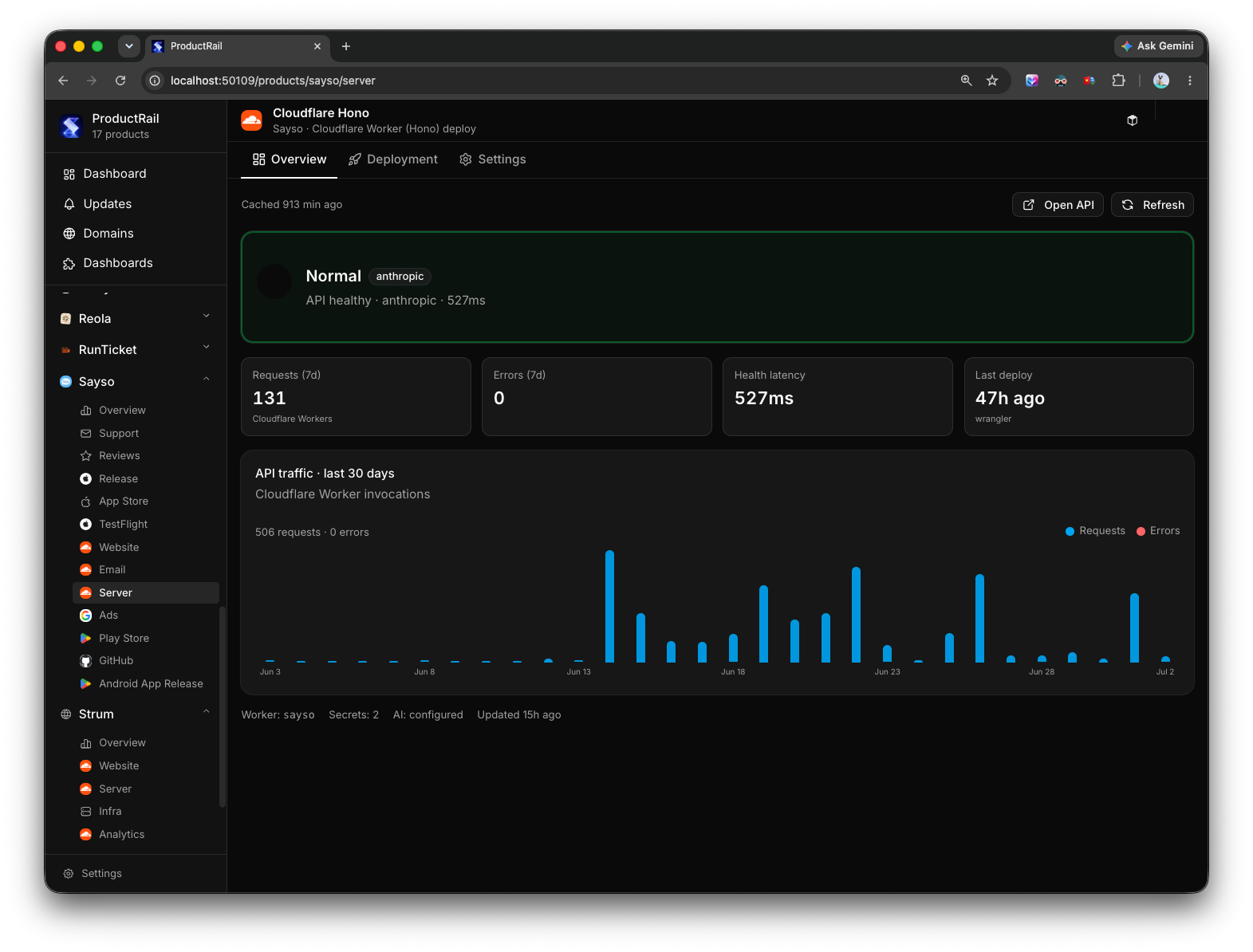
Not a replacement for those tools — I don't want to rebuild Stripe or Vercel or Google Ads. I just want a control layer on top. Connect everything via API keys and auth tokens, pull in the status and the actions I actually need, and stop pretending I can keep it all in my head.
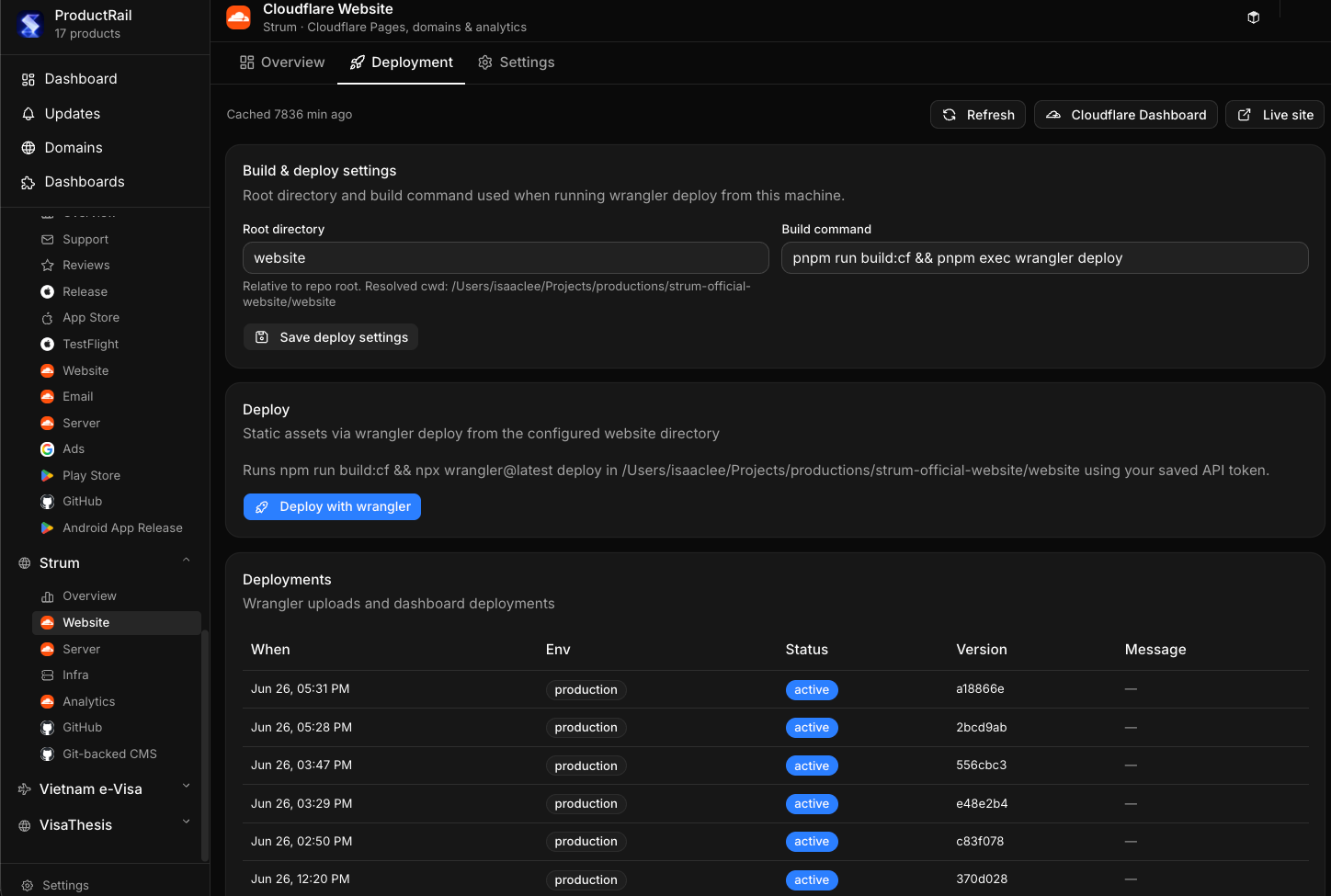
That's the idea behind what I've started calling Product Rail — a single dashboard that acts like a control tower for every product I run.
The interesting part: modules are reusable
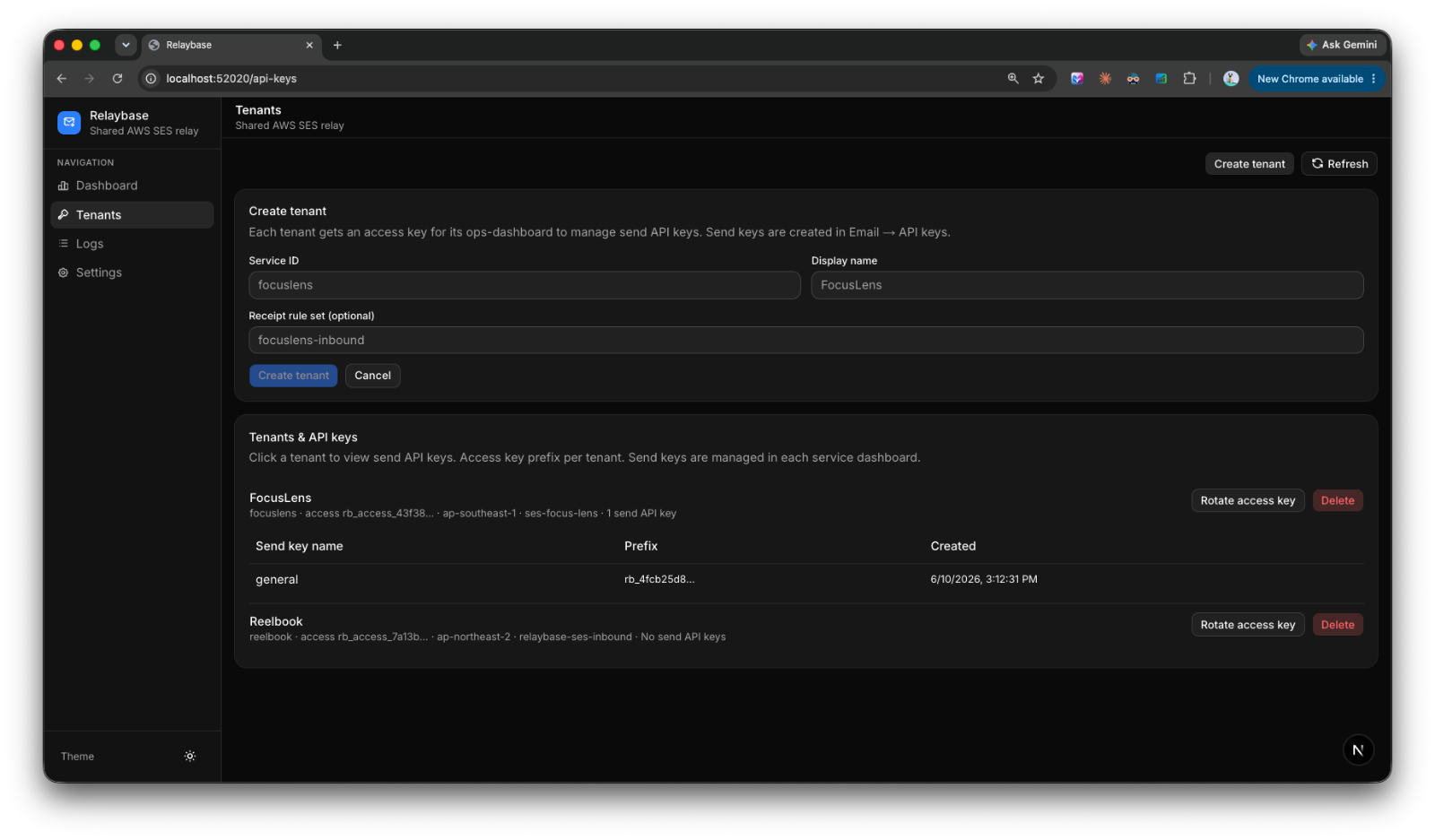
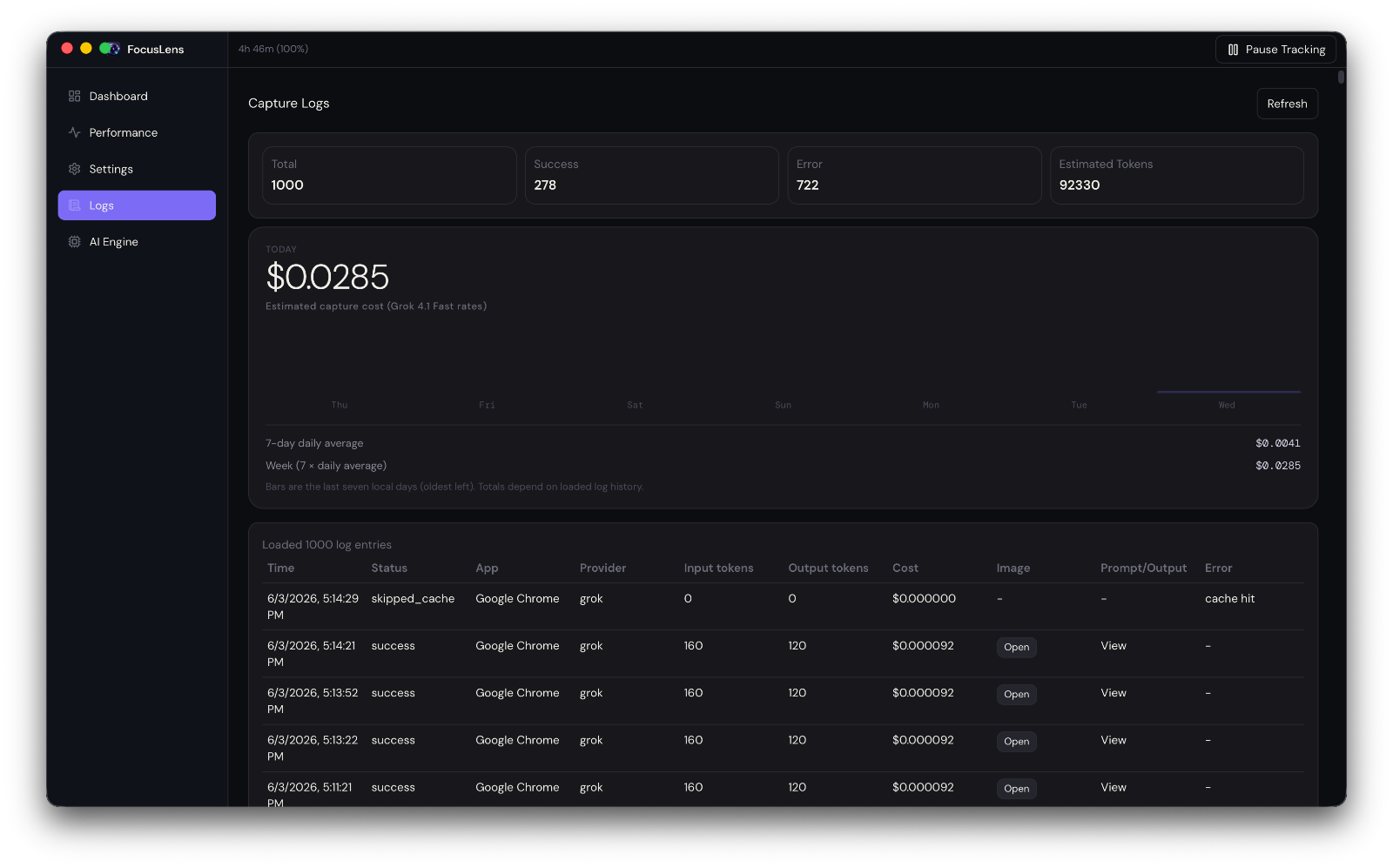
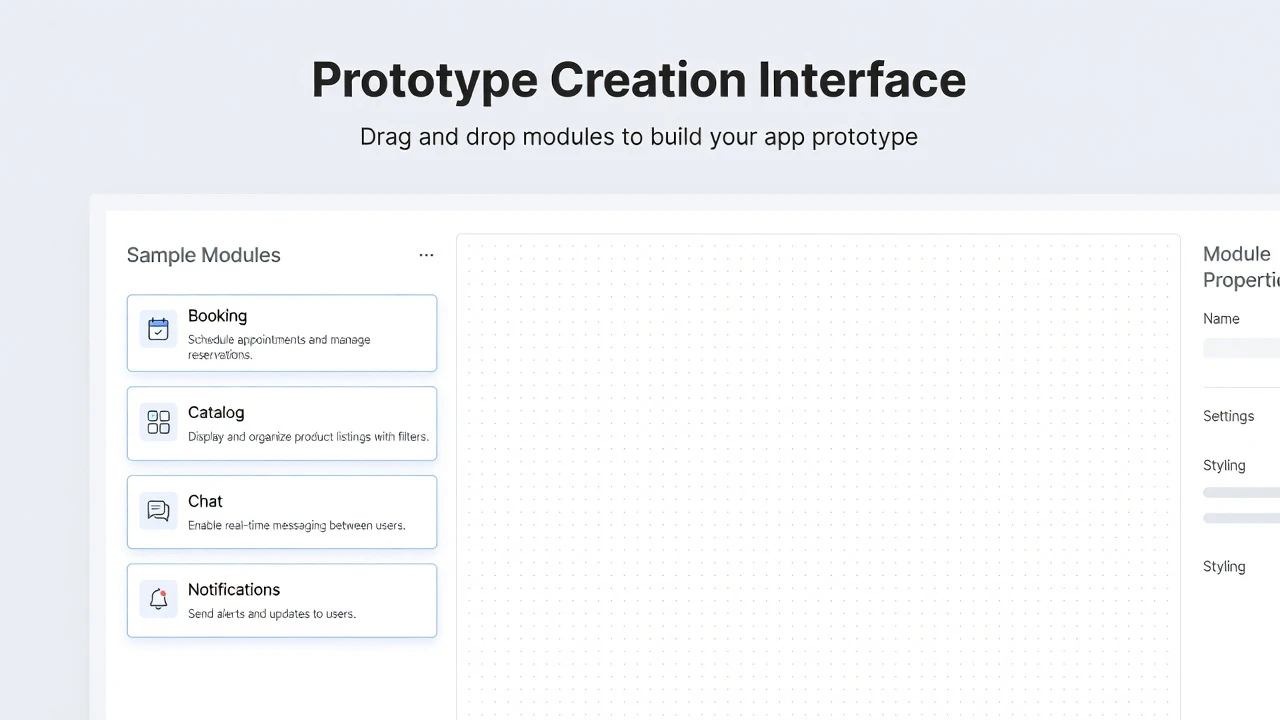
Once I started building this, something clicked. Almost every module I needed — domain status, deployment status, analytics summary, email queue, PR list — is the same shape across products. The data source changes, but the module doesn't.
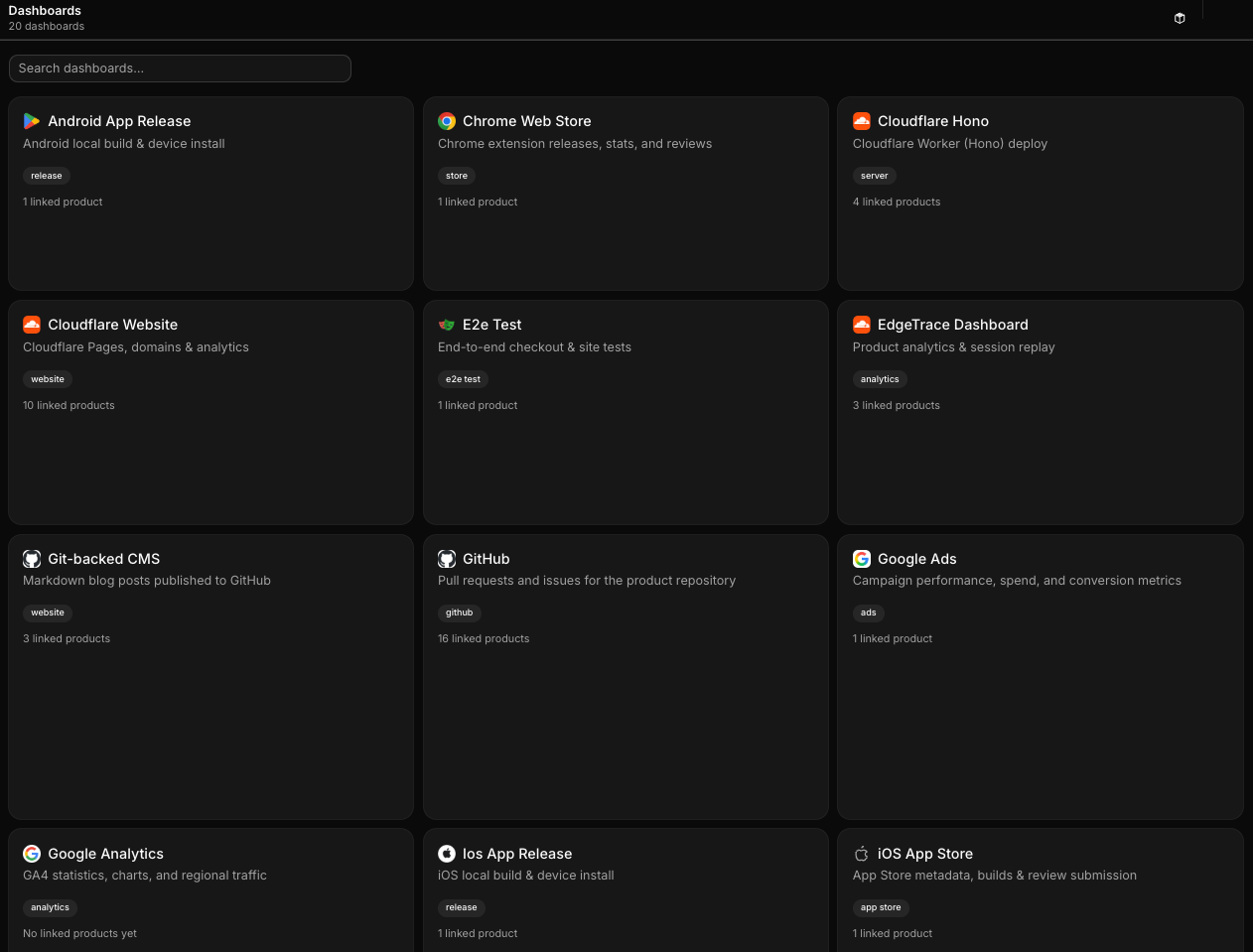
That means I'm not building ten dashboards. I'm building one dashboard framework and plugging different products into it. Each module is essentially plug-and-play: point it at a product, connect the relevant API, and it just works.
This reuse is the whole reason the project became viable. If every product needed a bespoke dashboard, I'd never finish. But because the underlying pattern — "here's a service, here's its status, here's the action I can take" — repeats everywhere, I could build once and reuse constantly.
But some things need to be custom
The catch is that not every product is the same. Some need a custom module — a specific chart, a weird integration, a one-off action button that only makes sense for that product. Forcing everything into a rigid template would defeat the purpose.
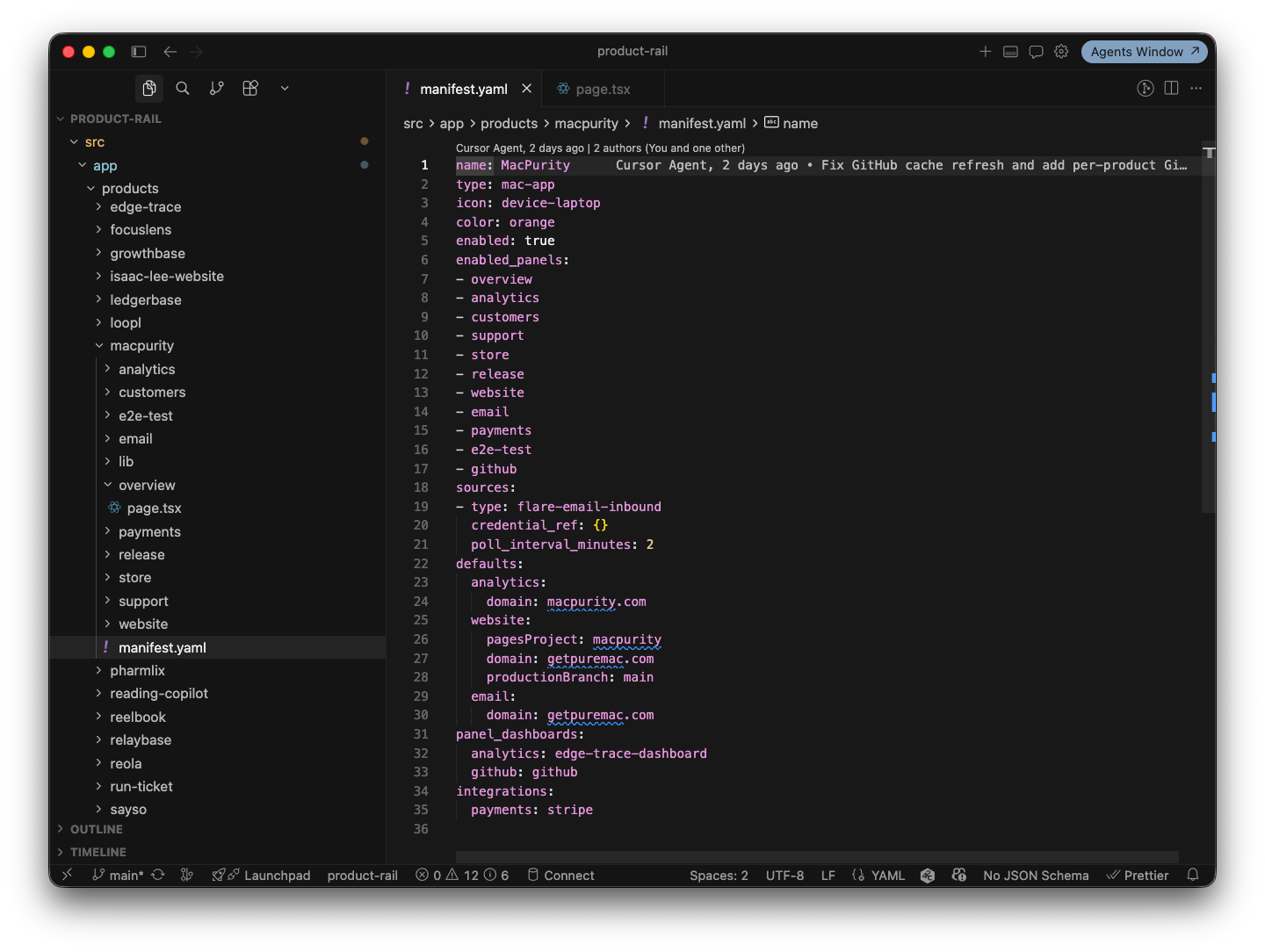
So I built a system where a base template gets copied into a product-specific folder in the codebase, and from there it can be revised freely. The default modules cover the 80% case. The last 20% — the custom bits — get built directly into that product's copy, without touching the shared template.
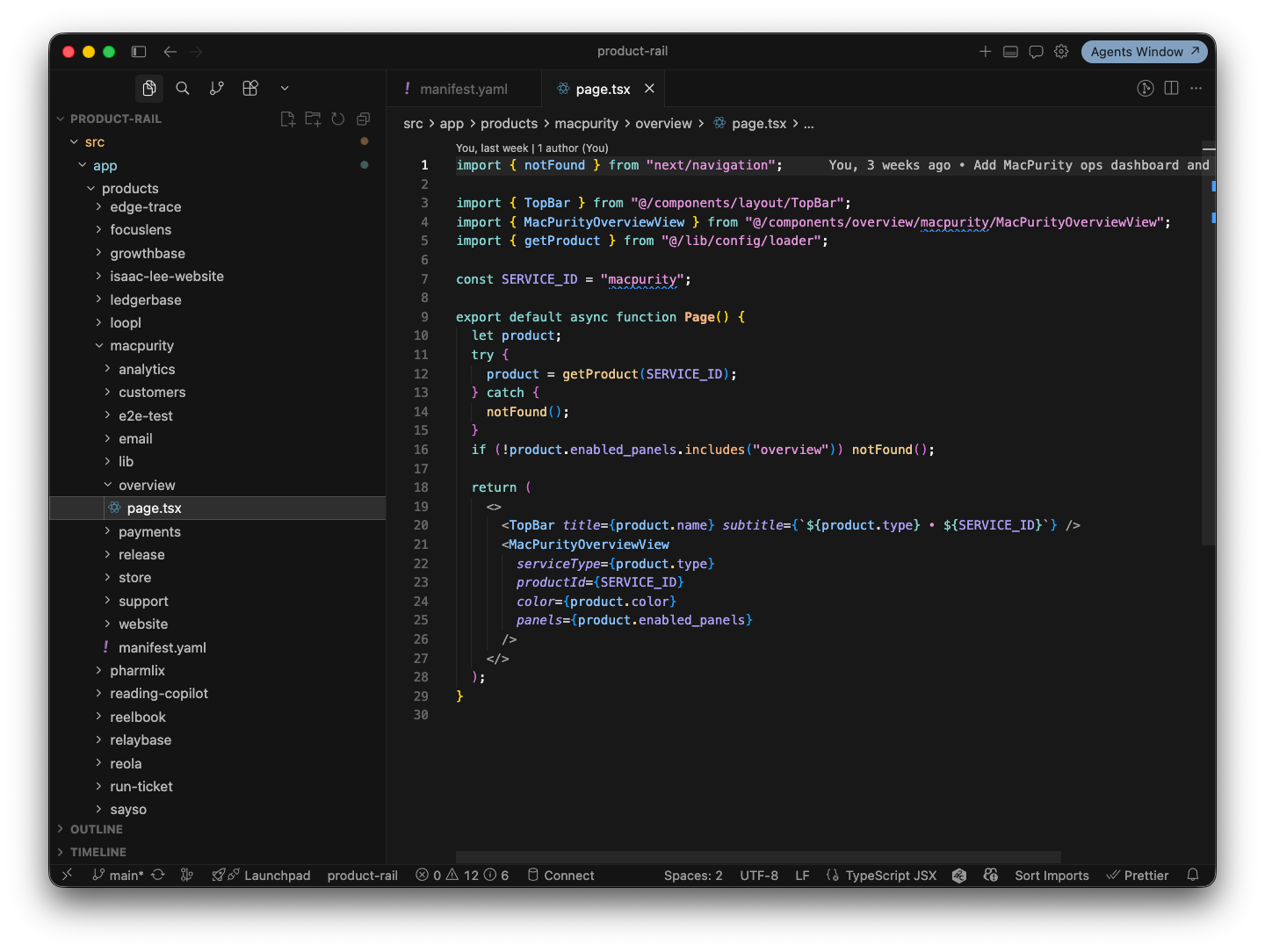
This is where it got fun.
Cursor, in the header, everywhere
Instead of manually going into the code every time I wanted to tweak a module, I put a button in the top right of the header — visible from anywhere in the dashboard — that opens Cursor (or Claude Code) right there.
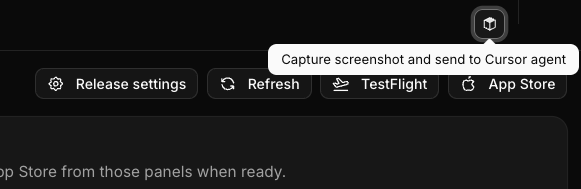
Click it, and you get a simple flow: drag to select the area of the screen you want to change, type a quick prompt describing what you want — "make this chart show weekly instead of daily," "add a retry button here," "this status badge should turn red if it's been down more than 5 minutes" — and that's it. The change gets made directly against that product's copy of the dashboard.
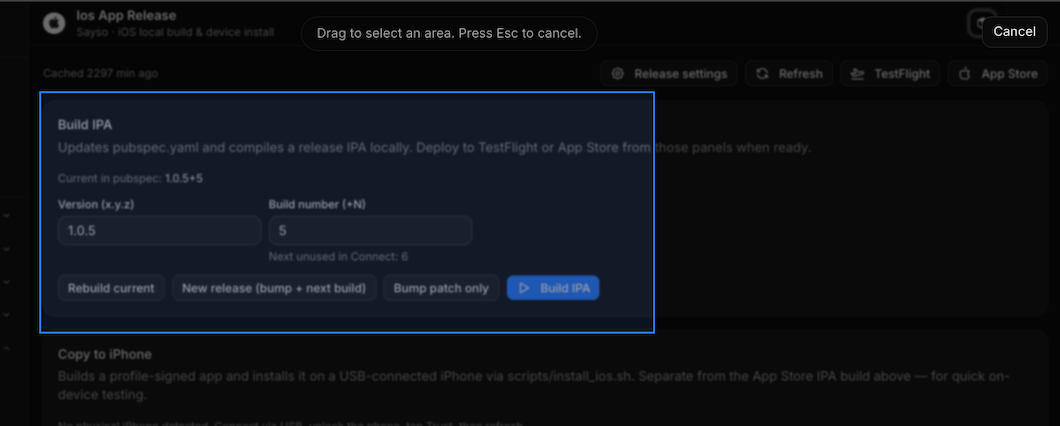
No opening a separate editor. No switching context to explain what you mean. You point at the thing, say what you want, and the dashboard evolves while you're using it.
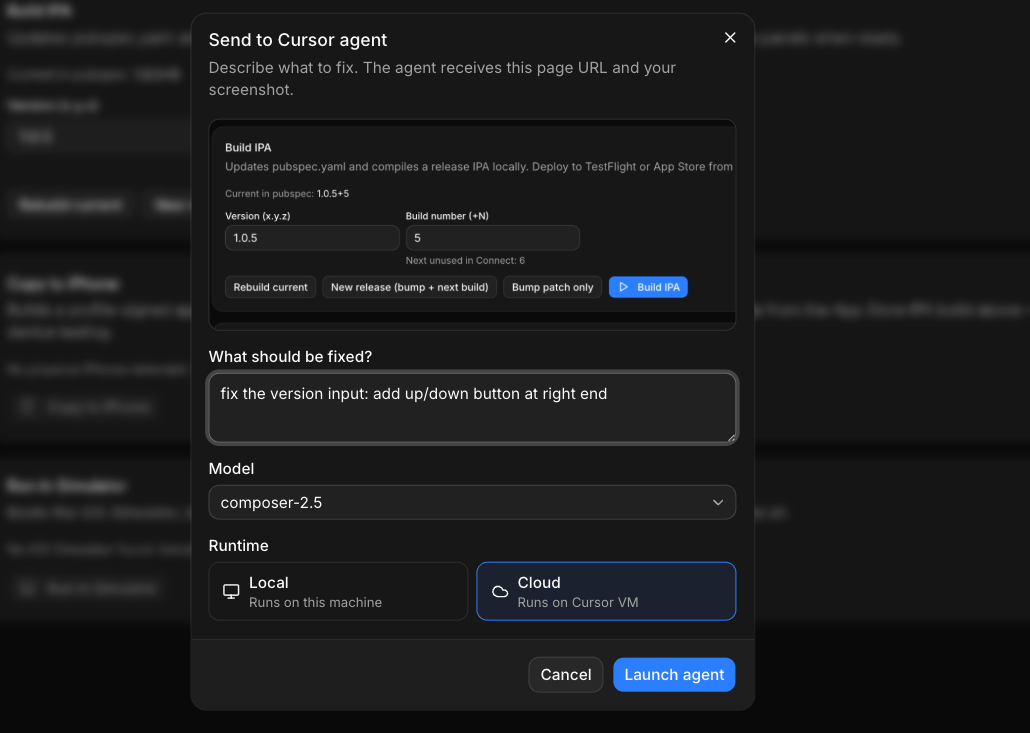
This turned the dashboard from a static tool into something closer to a living surface — one that adapts as fast as I notice something annoying. And when you're running many products, small annoyances compound fast. Being able to kill them in thirty seconds instead of filing a mental "fix later" note has changed how much friction actually survives day to day.
The actual payoff
I'll be honest about the trade-off: building this took time I could have spent on any single product. But the return has been bigger than expected. I'm not context-switching across a dozen tabs anymore. I glance at one screen and know what needs attention. When something needs a fix, I fix it inline instead of scheduling a "someday" task that never comes.
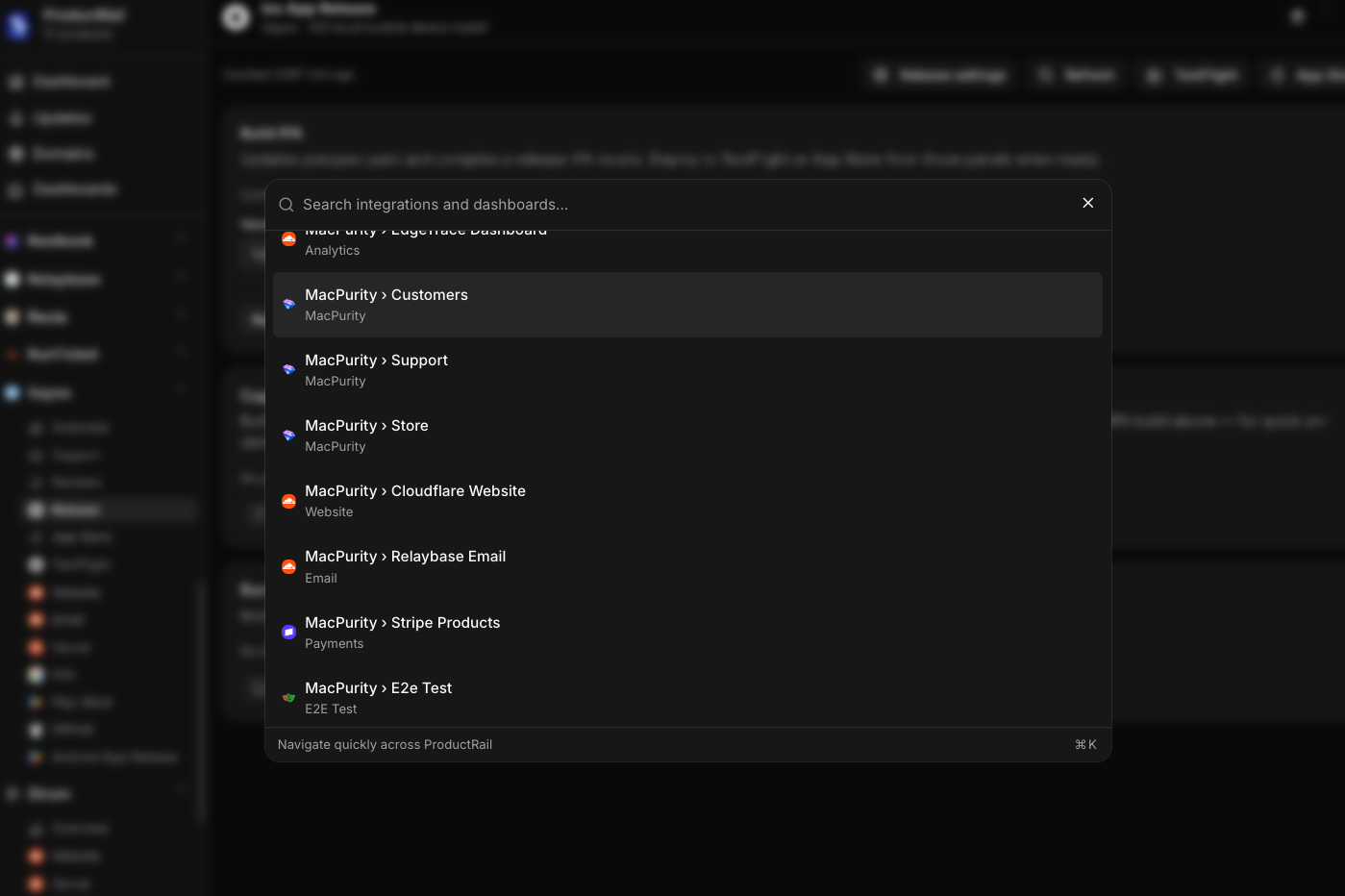
I think this matters beyond just me. A lot of solo founders and small teams are trying to build and launch multiple products at once — it's basically the current playbook. But nobody's really solved the operational side of running a portfolio, not just a single product. You need a control tower, not another point solution.
What's next
Right now this is my internal tool, built for my own products. But I'd like to make it public at some point soon — clean it up, generalize the connectors, and let other founders plug their own stack in.
For now, it's already done the thing I built it for: I don't have to go into every different SaaS service anymore. I just connect them once, and check one dashboard.




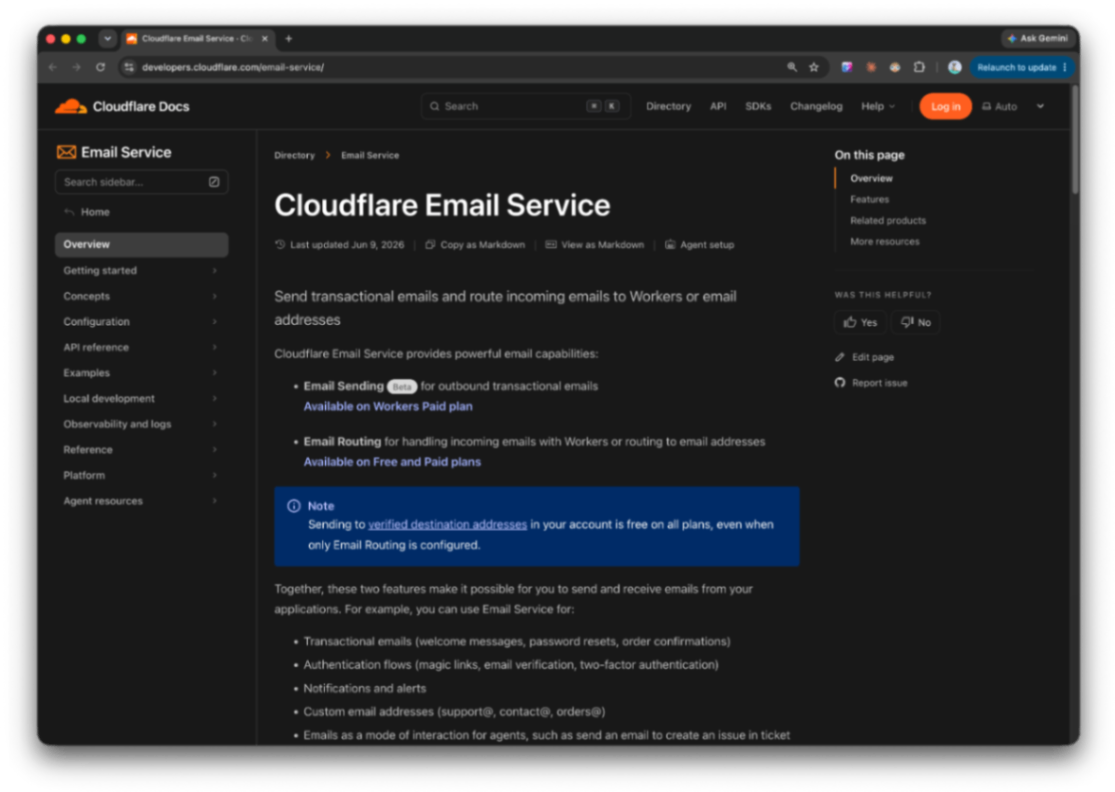 https://developers.cloudflare.com/email-service